


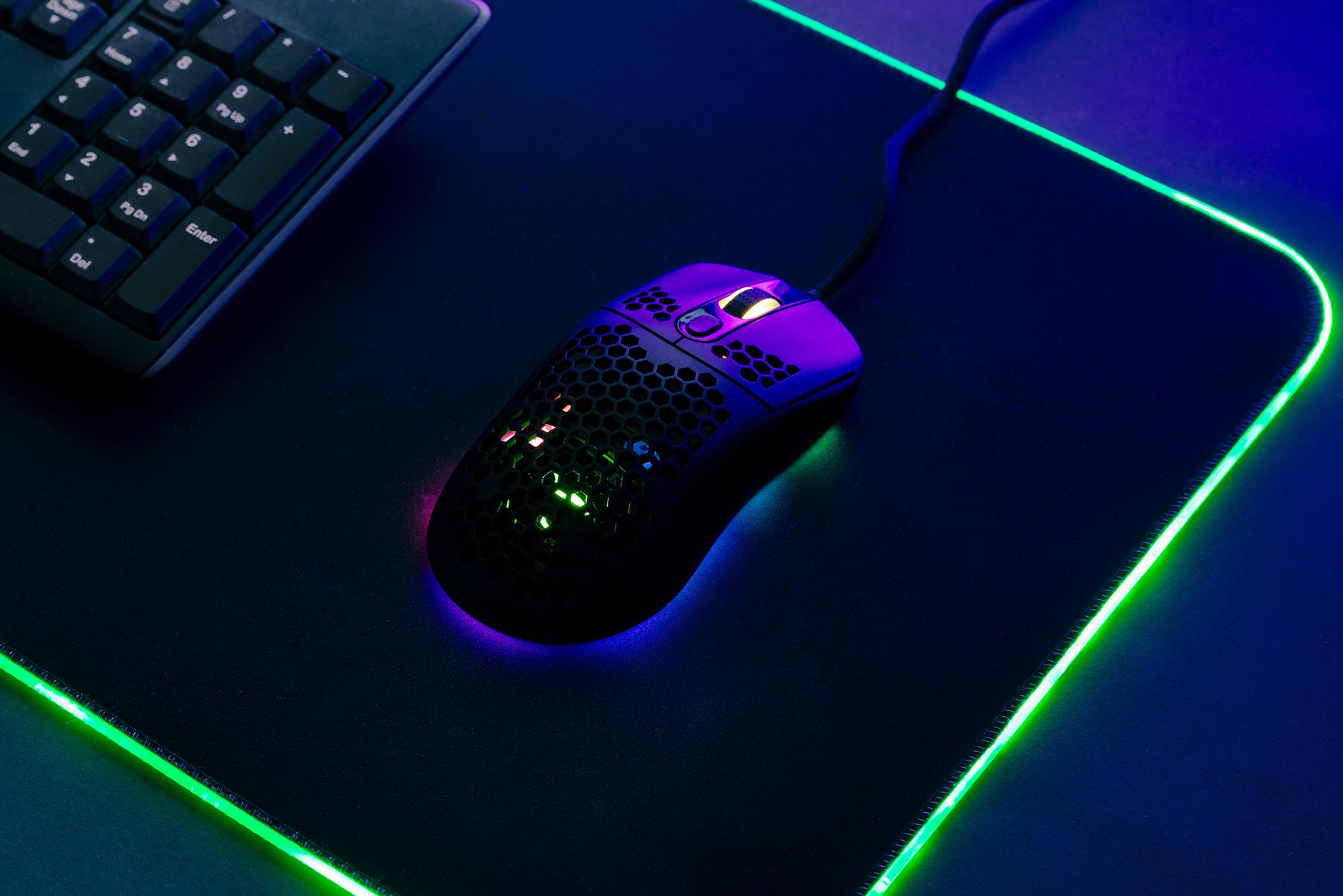
Finding the best gaming mouse can feel like scrolling through an endless list of numbers and jargon. DPI, polling rates, sensor types – it’s too much buffering for our brains to handle.
Whether you’re after a good gaming mouse for casual evenings or something built for the sweatiest of matches, this guide cuts through the jargon and points you to the right pick for PC players.
How to choose a gaming mouse for your PC setup
Our gaming accessories buying guide covers this in depth, but here are the most important things to look for:
Grip style: How you hold your mouse matters. Palm grip (your whole hand rests on the mouse) needs larger mice for support. Claw grip (your palm rests on the back but your fingers arch up) suits mid-size mice. Fingertip grip (only your fingertips touch the mouse) works best with lighter, smaller mice.
Hand size: As a rule of thumb (pun intended), large hands suit mice around 130mm. If you have smaller hands, aim closer to 115mm.
DPI and sensor: Most players use 800–1600 DPI – or dots per inch. Sensor quality matters more than raw numbers, and you can always change mouse sensitivity to fine-tune how sensitive it is.
Weight: Lightweight mice (under 60g) suit fast-paced shooters, while heavier mice feel more stable for precision work when you don’t want your cursor flying off the screen.
Connectivity: Wireless gives you a clean desk and is easy to take with you. Wired means you never have to think about charging.
Budget: You don’t need to spend a fortune - there are some very solid options for under £50.
Tech tip: Chasing the highest numbers doesn't always mean a better gaming experience. A quality mouse running at 1000Hz will be smooth and responsive for most players, while helping battery life last longer.
Best gaming mice at a glance
Gaming glossary
Before we get into the recommendations, here’s a quick rundown of gaming terms:
DPI (dots per inch): How sensitive the mouse is. Higher DPI means the cursor moves further for the same hand movement. Most players use 800–1600 DPI.
Polling rate: How often the mouse reports its position to your computer, measured in Hz. 1000Hz means it updates 1000 times per second. Higher rates can feel smoother but use more battery.
Optical sensor: The most common type of sensor in gaming mice. It uses an LED light to track movement on your surface.
Palm grip: Your whole hand rests flat on the mouse. Comfortable for long sessions and works best with larger mice.
Claw grip: Your palm rests on the back of the mouse while your fingers arch up like a claw. Good for quick clicks and suits mid-size mice.
Fingertip grip: Only your fingertips touch the mouse. Lighter, smaller mice work best for this style.
MMO: Massively multiplayer online games like World of Warcraft, where lots of buttons and macros come in handy.
FPS: First-person shooter games like Counter-Strike 2 or Valorant, where fast reactions and precise aiming matter most.


Best gaming mouse overall
Model: Logitech PRO 2 Lightspeed
Pros: HERO 2 sensor with 44,000 DPI, LIGHTFORCE hybrid switches, 80g weight
Cons: Premium price tag
If you want one mouse that can handle everything from competitive shooters to strategy games, the Logitech PRO 2 Lightspeed is an easy recommendation. Its 80g design strikes a nice balance between speed and control. And its HERO 2 sensor delivers reliable tracking whether you're making precise aim adjustments or sweeping across the map.
The LIGHTFORCE switches combine the crisp feel of a mechanical click with optical-speed actuation, making the mouse feel responsive without being overly sensitive. It's a great fit for a wide range of grip styles and game genres.
Pair it with the Logitech PowerPlay 2 Gaming Surface, which wirelessly charges compatible Logitech mice while you play - helping keep your setup cable-free.
Best wireless gaming mouse
Model: Razer Basilisk V3 X HyperSpeed
Pros: 18,000 DPI 5G sensor, up to 265 hours battery, HyperSpeed or Bluetooth
Cons: Uses replaceable batteries
The Razer Basilisk V3 X HyperSpeed is ideal for players who want gaming performance without a cable trailing across their desk. Its ergonomic shape feels secure during longer gaming sessions, while the programmable controls make it equally useful for general computing.
Razer's HyperSpeed wireless connection delivers the low-latency performance competitive players expect, and Bluetooth gives you an easy way to switch between devices.
Pair it with the Razer Gigantus V2 Pro Balance, which provides a consistent surface for both quick flicks and accurate tracking.
Best budget wireless gaming mouse
The Logitech G305 Lightspeed packs a 12,000 DPI HERO sensor, 1ms LIGHTSPEED wireless and 250 hours of battery - all for under £50!
Best wired gaming mouse
Model: Razer DeathAdder V3
Pros: 59g ultralight, 30,000 DPI Focus Pro sensor, 8000Hz polling
Cons: Go wireless for more freedom
For players who like to keep it simple, the DeathAdder V3 is one of the best wired gaming mice around. There's no battery to monitor, no charging cable to remember and no wireless receiver to keep track of. So it’s a dependable choice for regular gaming sessions.
Its lightweight 59g design helps reduce fatigue during long matches, while the ergonomic shape is especially comfortable for palm-grip players. Combined with Razer's Focus Pro sensor and optical switches, it delivers fast, consistent performance across everything from tactical shooters to MOBAs.
Pair it with the Razer FireFly V2 RGB Gaming Surface, whose smooth cloth surface is designed to support accurate optical tracking.
Best budget wired gaming mouse
The Razer DeathAdder Essential offers a 6,400 DPI optical sensor, five programmable buttons and Razer’s proven ergonomic shape for around £30.


Best ergonomic gaming mouse
Model: Razer Basilisk V3
Pros: Contoured right-handed design, 26,000 DPI sensor, 11 programmable buttons
Cons: Right-handed only
One of the best ergonomic mice for comfort during long sessions. The Basilisk V3 is built for players who want a mouse that remains comfortable throughout longer sessions. Its sculpted shape supports the hand naturally, helping reduce strain.
The extra programmable buttons make it particularly useful for RPGs, strategy games and productivity shortcuts. Its adjustable HyperScroll wheel lets you switch between precise scrolling and fast navigation. If comfort is your priority, this is one of the strongest options on the list.
Left-handed gamers should look for a dedicated left-handed or ambidextrous design instead.
Best ambidextrous gaming mouse
Model: ASUS TUF Gaming M4 Wireless
Pros: Ambidextrous design, 12,000 DPI sensor, 6 programmable buttons
Cons: Side buttons on one side only
The ASUS TUF Gaming M4 Wireless is a strong choice for gamers who prefer a symmetrical mouse shape. That design makes it comfortable for a variety of grip styles and particularly useful in households where multiple people use the same PC.
Its lightweight build helps it feel agile in fast-paced games, while the straightforward feature set keeps things easy to live with. If you don't want an aggressively shaped ergonomic mouse, this balanced design offers broad appeal.
Best MMO gaming mouse for grid control
Model: Razer Naga V2 HyperSpeed
Pros: 12-button thumb grid, 19 programmable buttons, 30,000 DPI sensor
Cons: Features a thumb grid cluster of programmable buttons – which can take getting used to
If you’re looking for MMO gaming mice, the Naga V2 HyperSpeed makes a compelling case for having more buttons within easy reach. Its dedicated 12-button thumb grid can be used for abilities, macros, shortcuts or inventory management. So you barely have to touch your keyboard.
That extra control is especially useful in games with complex skill rotations or large numbers of commands. Despite all those buttons, the layout remains well organised once you've spent some time getting used to it.


Best lightweight gaming mouse
Model: Pulsar X2 CrazyLight
Pros: Just 45g; 32,000 DPI sensor, 8K polling dongle included
Cons: May feel too small for larger hands
At just 45g, the Pulsar X2 CrazyLight is designed for players who prioritise speed and effortless movement. The low weight makes rapid directional changes feel easy, which will appeal to fans of fast-paced shooters and anyone who prefers a fingertip or claw grip.
Despite its featherweight design, it still packs premium performance features - like a high-end sensor and ultra-responsive wireless connectivity.
Best competitive gaming mouse for esports
Model: Razer Viper V3 Pro
Pros: 54g ultralight, 35,000 DPI sensor, 8000Hz HyperPolling
Cons: No RGB, if you like that gaming aesthetic
The Viper V3 Pro is built with competitive play in mind. Its lightweight symmetrical shape is easy to move quickly and consistently. And the Focus Pro sensor and optical switches provide the responsiveness serious players expect.
Rather than relying on flashy extras, Razer focuses on keeping the mouse fast, accurate and comfortable under pressure.
Pair it with the Razer Gigantus V2 Pro Balance for a large, consistent tracking surface that supports both precise aiming and broad mouse sweeps.
Best mouse for FPS gaming
Model: Glorious Model D
Pros: 68g honeycomb shell, PixArt 3360 sensor, PTFE G-Skates feet
Cons: Honeycomb shell may not suit everyone
The Glorious Model D is particularly well suited to FPS games where fast reactions and consistent aim matter most. Its lightweight design helps with quick movements between targets, while the PTFE feet glide smoothly across the mouse mat with minimal resistance.
The comfortable shape works especially well for palm and claw grips, making it a good fit for players who spend hours in games like Counter-Strike 2 and VALORANT. Rather than overwhelming you with extra buttons and features, it focuses on the fundamentals that FPS players care about most.
The best gaming mouse is the one that fits your hand, your grip and your games. Once you’ve picked your mouse, find out how to connect a wireless mouse if you’re new to all this. Plus, check out our gaming accessories for everything else you need.
FAQs
What is a good mouse for gaming?
A good mouse for gaming has a quality optical sensor, comfortable shape for your grip style, and responsive switches. You don’t need the highest DPI - a reliable sensor at 1000Hz with a shape that fits your hand will serve most players well.
Can I use a gaming mouse for work?
Yes, you can use a gaming mouse for work. Gaming mice often have better sensors and more programmable buttons than standard office mice, making them great for productivity shortcuts. The trade-off is some gaming mice are less ergonomic for long work sessions.
Do I need a mouse pad for gaming?
You don’t strictly need a mouse pad for gaming, but one improves tracking consistency and protects your mouse feet. A dedicated gaming surface gives your sensor a predictable texture. Cloth pads offer control; hard pads offer speed.
Do wireless gaming mice have a delay?
Modern wireless gaming mice using 2.4GHz connections have negligible delay - indistinguishable from wired for human perception. Bluetooth can introduce slight latency, so for competitive play, use the 2.4GHz dongle rather than Bluetooth.
Is a 2.4 GHz mouse good for gaming?
Yes, a 2.4GHz mouse is excellent for gaming. This is the standard wireless frequency for gaming mice because it delivers low-latency performance comparable to wired. Most competitive wireless gaming mice use 2.4GHz to eliminate perceptible delay.
How much DPI should a gaming mouse have?
Most players use 800–1600 DPI, adjusted with in-game sensitivity. A higher DPI doesn’t mean better accuracy - it just means the cursor moves further per inch. Sensor quality matters more than the maximum DPI number on the box.


